Mastering Auto Sell in Plants vs Brainrots: My Ultimate Inventory Management Guide
Discover essential inventory management and auto-sell strategies in Plants vs Brainrots 2025 to optimize gameplay and boost rare item collection.
As I dive deeper into the chaotic world of Plants vs Brainrots in 2025, I've learned that inventory management isn't just convenient - it's essential for survival. My backpack constantly overflows with rare plants and brainrots collected during frenzied battles, and like most players, I've experienced the frustration of missing out on high-value drops because my storage was full. That sinking feeling when you defeat a legendary mob only to realize your inventory can't hold it? I've been there too many times before discovering the game-changing auto-sell feature.
My Journey With Inventory Woes
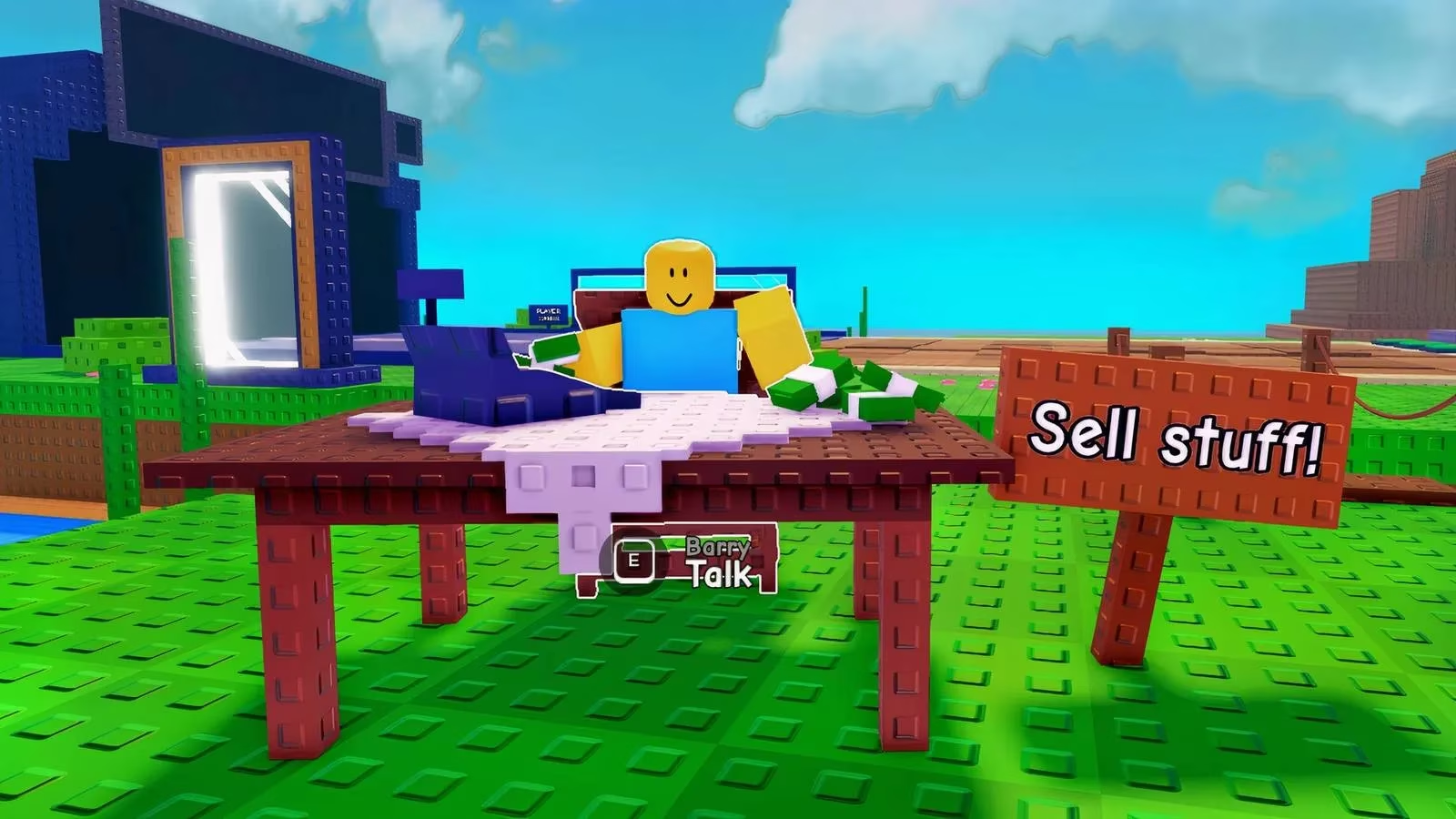
During my first weeks playing this Roblox phenomenon, I'd constantly interrupt my farming sessions to sprint back to Barry's Sell Stuff shop. The constant back-and-forth not only broke my combat rhythm but caused me to miss valuable events and rare spawns. I remember one particularly painful moment when I had to discard an Epic Rainbow Brainrot just to make space for common drops - a mistake I'll never repeat!
Step-by-Step: Activating Auto Sell
After much trial and error, I've perfected this simple 3-step process:
-
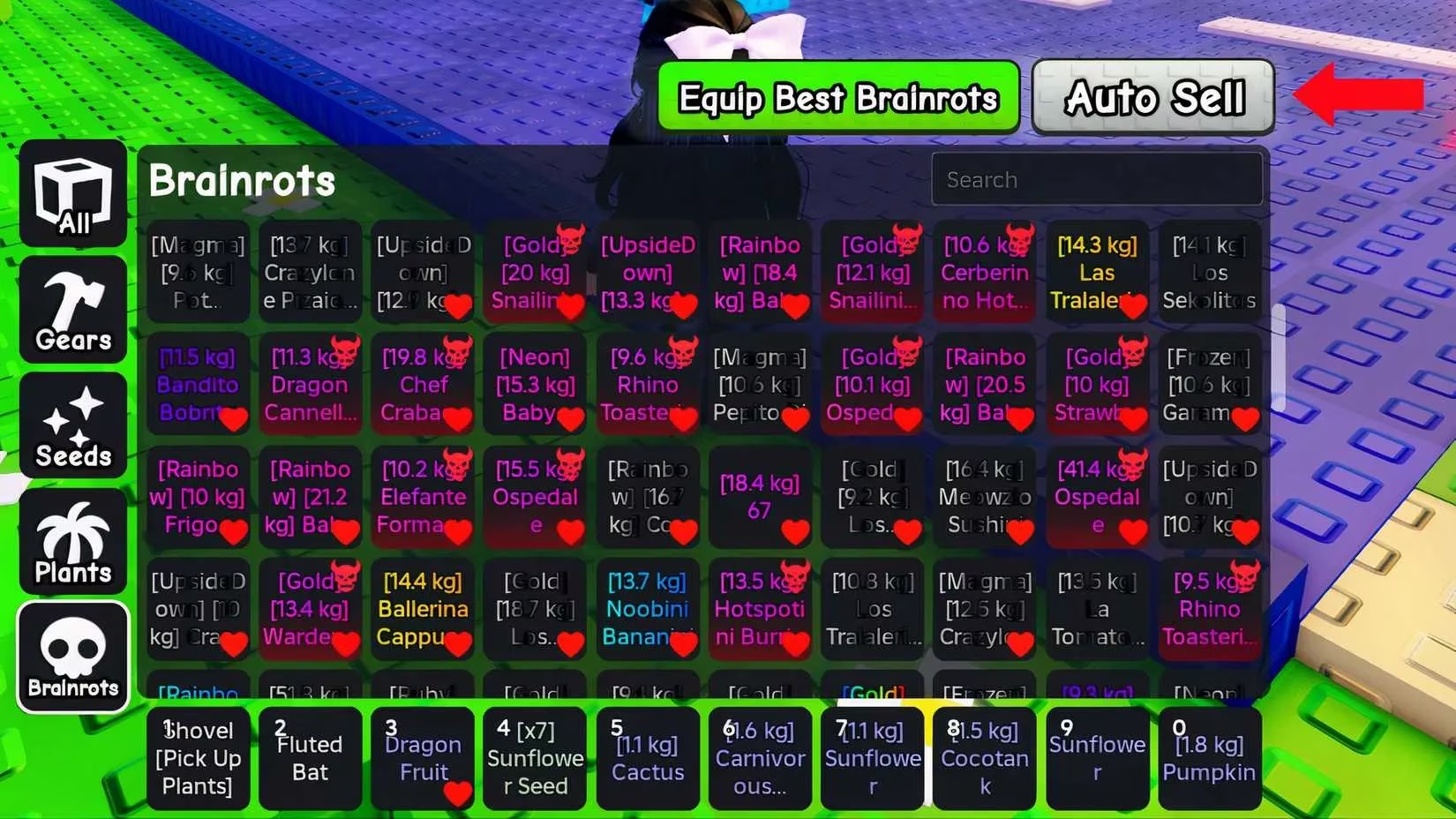
Access your inventory by tapping the backpack icon 🎒 in the top-left corner (works flawlessly on mobile too!)
-
Spot the greyish Auto Sell button on the right side - it's smaller than you'd expect
-
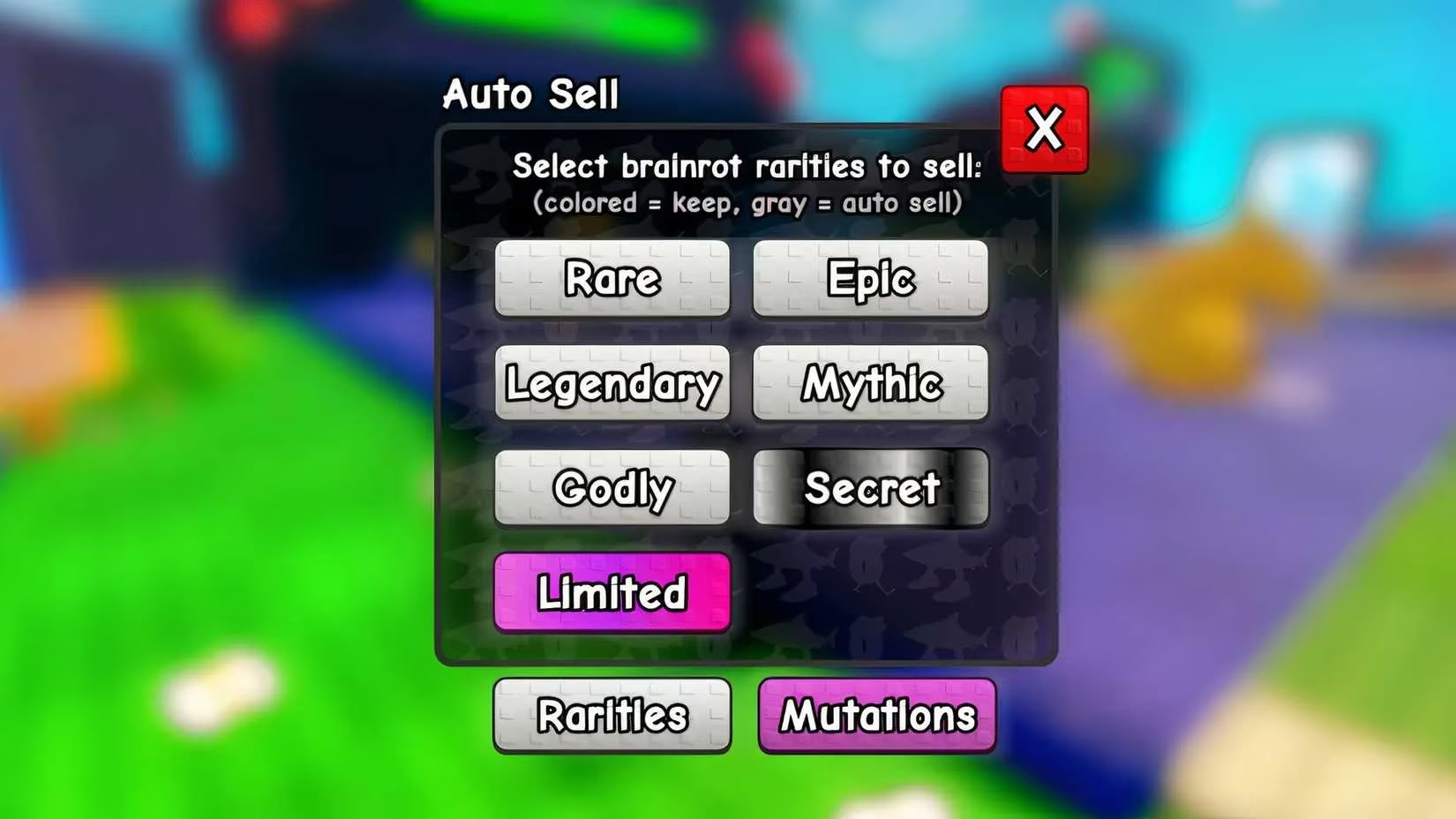
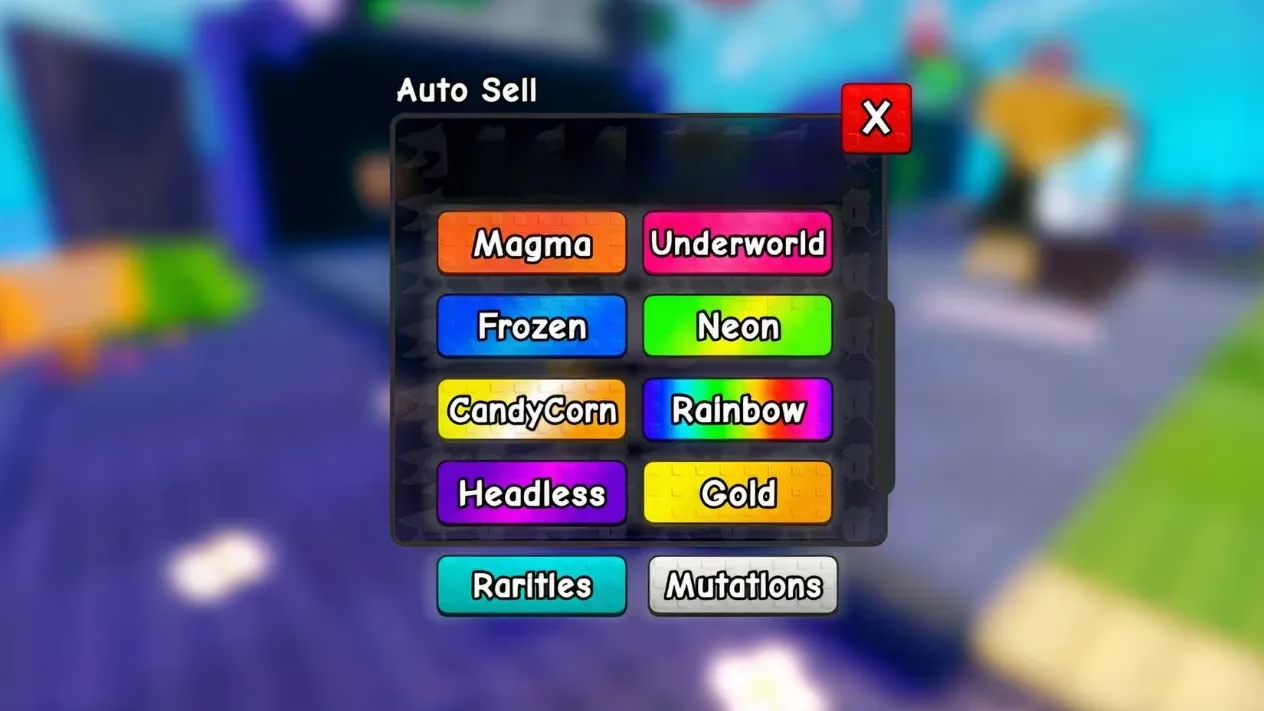
Customize your selling preferences in the two sections that appear
Mastering Rarity & Mutation Settings
The real magic happens in the dual configuration panels. Here's how I set mine up for maximum efficiency:
| Setting Type | Action | Visual Indicator |
|---|---|---|
| Rarities | Tap to turn OFF (grey) for automatic selling | Grey = Sell, Color = Keep |
| Mutations | Select specific traits to auto-sell | Customize per rarity tier |
I typically keep these rarities:
-
Common (for quick quest turn-ins)
-
Unusual (good for crafting)
-
Divine (too rare to auto-sell!)
While auto-selling these:
-
⚡ Rare (too common for late-game)
-
🔮 Epic (unless hunting specific variants)
-
🌈 Mythic (only when farming for godlies)
Advanced Tactics I've Discovered
Through months of experimentation, I've developed these power-user strategies:
Targeted Farming Method: When hunting the elusive Rainbow Aerilino Armadillo, I enable ONLY Mythic rarity with Rainbow mutation active. This filters out everything else! Pro tip: Combine with luck-boosting gear for better results.
Mutation-Specific Setup: I once wasted hours getting normal variants when I needed Gold mutants. Now I always:
-
Turn OFF Normal mutations for Legendary tier
-
Turn OFF Gold mutations for Common tier
-
Keep Rainbow active across all rarities
Inventory Optimization: For balanced play, I use this priority system:
1. Auto-sell duplicates first

2. Keep highest mutation of each species

3. Sell anything below current power level
Troubleshooting Common Issues
When auto-sell stopped working during the Halloween 2025 event, I panicked! Here's what fixed it:
-
Restart the game after configuration changes (works 90% of time)
-
Check for conflicting mods (disable them temporarily)
-
Verify slot availability (needs 1 free space to function)
-
Update game to latest version (crucial after patches)
People Also Ask: Your Top Questions Answered
During my livestreams, these questions keep popping up:
"Does auto-selling affect my drop rates?"
Absolutely not! The game determines drops before inventory checks, so you're not missing out.
"Can I recover accidentally sold items?"
Sadly no - which is why I always double-check settings before major farming sessions. When I accidentally sold a Godly brainrot, I learned this lesson the hard way!
"Why keep Commons if they're low-value?"
Many 2025 event recipes require hundreds of common materials. Smart players stockpile them during double resource weekends!
Frequently Asked Questions
How much inventory space do I need for auto-sell to work?
You only need one free slot! The system processes each new drop individually before checking space.
Can I use auto-sell while in combat?
Yes! The feature works seamlessly during battles, which is perfect for marathon farming sessions in high-density zones.
Does auto-selling give the same coins as manual selling?
Exactly the same amount - no penalties. Barry processes them identically.
What's the optimal setup for beginners?
I recommend:
-
Keep: Common, Unusual
-
Auto-sell: Rare, Epic
-
Disable mutations entirely until level 30
How often should I adjust my settings?
Reevaluate every 10 levels or when pursuing specific gear. My current setup looks completely different from when I started!
Mastering auto-sell transformed my Plants vs Brainrots experience from frustrating to phenomenal. With these 2025-tested strategies, you'll spend less time managing inventory and more time enjoying the addictive combat that makes this Roblox gem so special!
Comments